
Tipoff
Synthetic
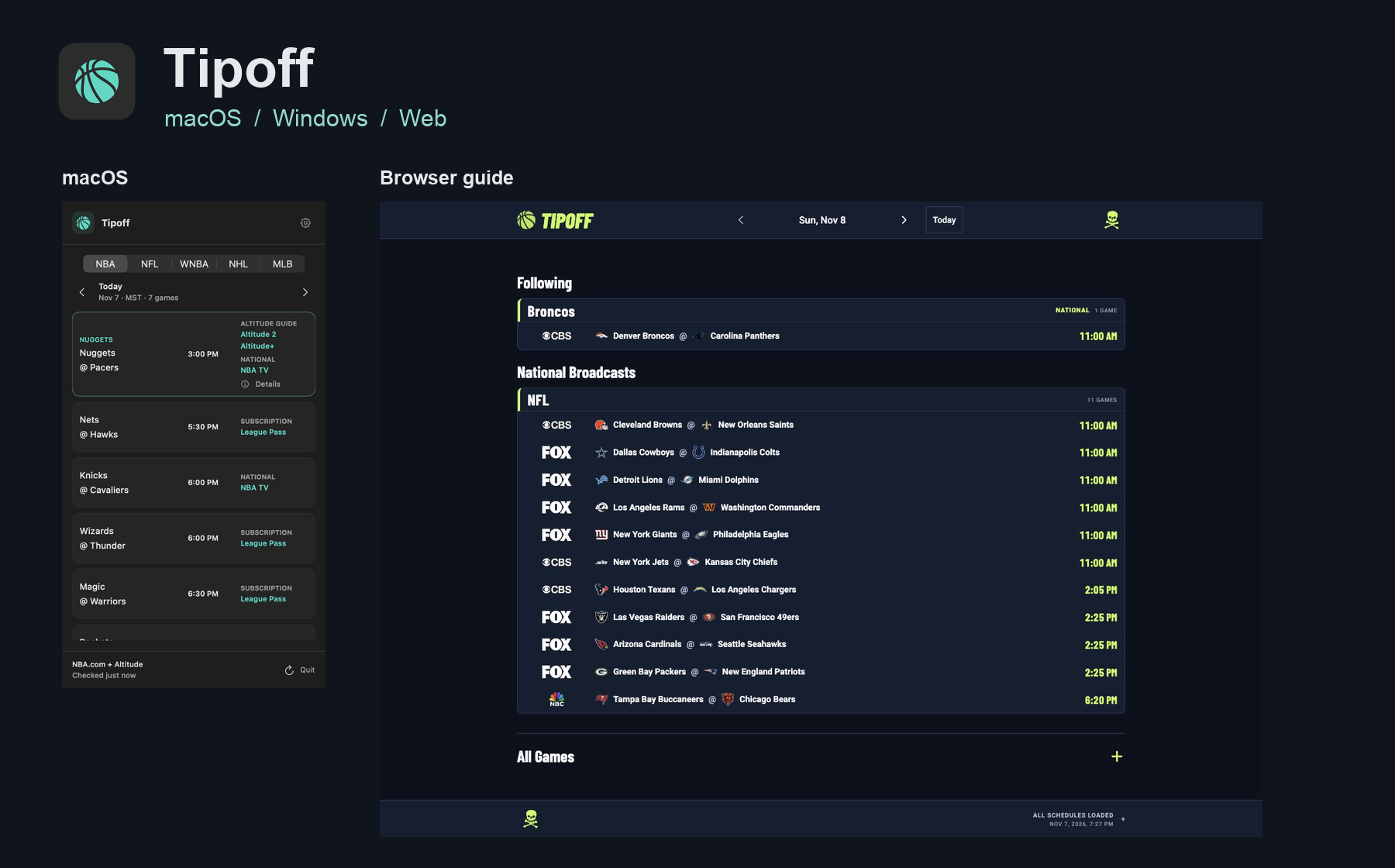
I built Tipoff because I was tired of checking the NBA schedule every day to find the right channel or streaming service. It now covers NBA, NFL, WNBA, NHL, and MLB games in a Mac menu-bar app, a Windows tray app, and a browser guide. Times follow the device’s time zone, with broadcasters listed alongside the teams.
It has never been harder to watch sports. Alec Miller’s sketch describes it perfectly.
I’m a Nuggets and Broncos fan in Mountain Time, so Colorado teams get priority and Nuggets games include matching Altitude listings. So now watching sports isn’t such a pain in the ass.
Desktop apps
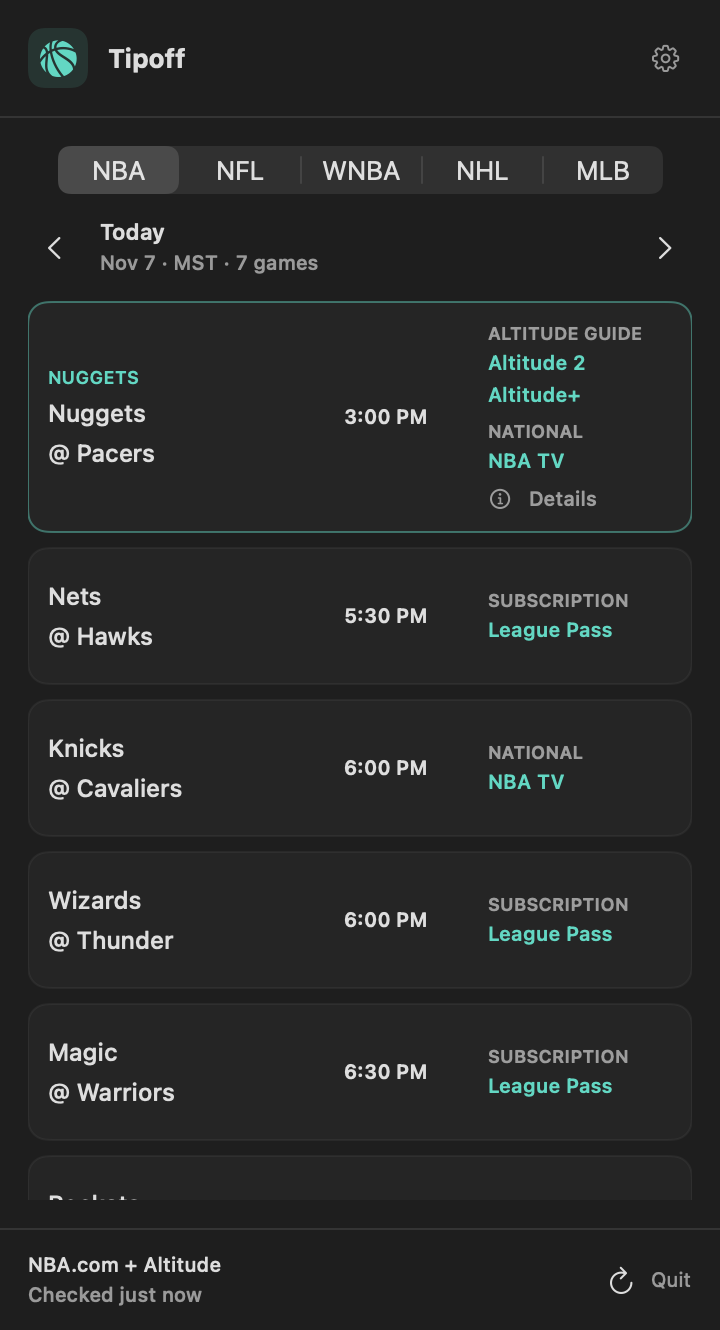
The SwiftUI Mac app opens a five-sport guide from the menu bar, with local game times, Colorado matchups first, and an NFL Sunday shortcut. It refreshes on opening, after wake, and every five minutes, keeping saved listings if a refresh fails. It requires macOS 15 or newer; Apple Silicon is the tested target.
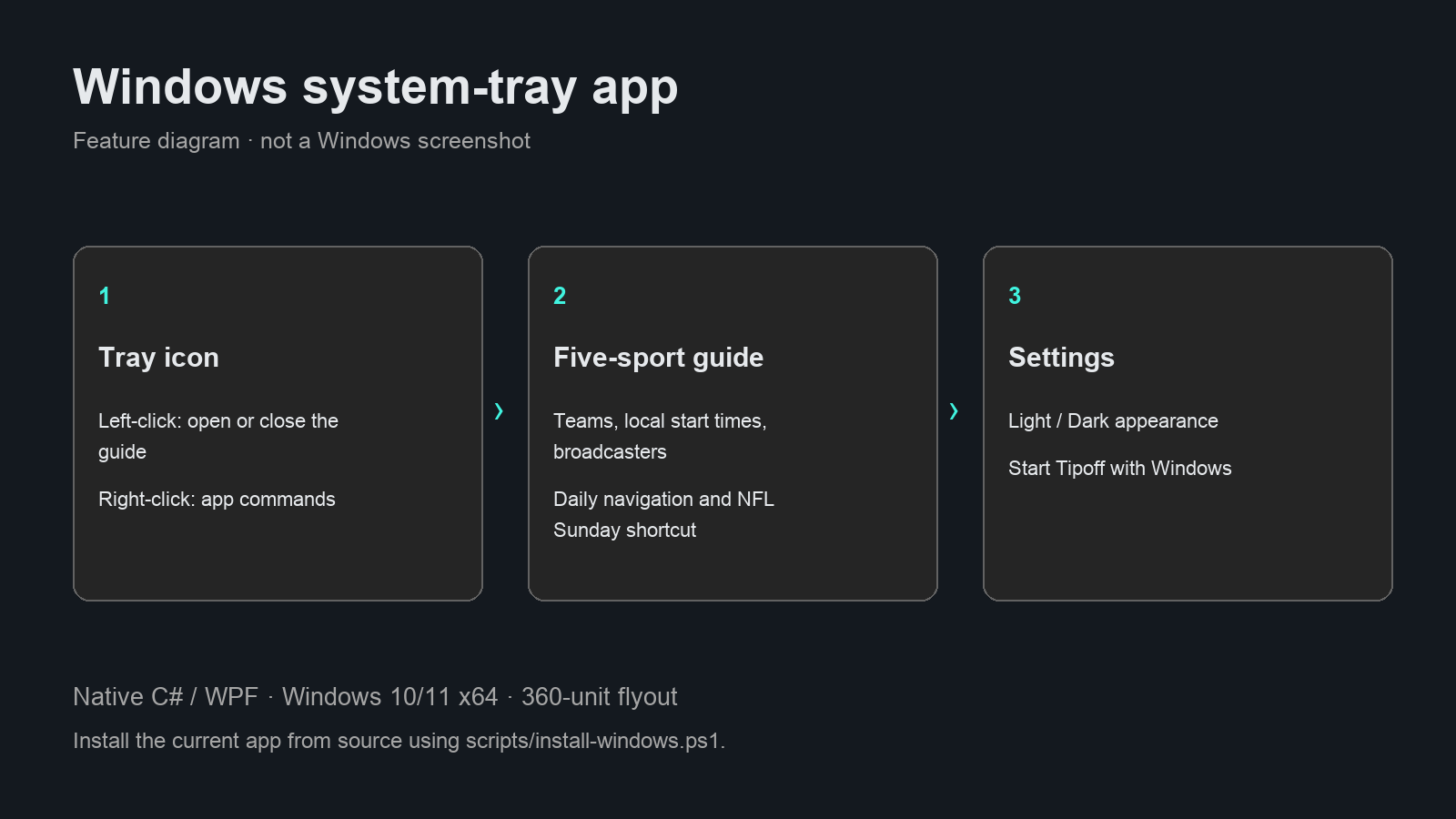
The C# / WPF Windows app offers the same sports, local times, team highlights, and Altitude details from the notification area. Settings includes Light and Dark appearance and startup at sign-in. It checks for a due refresh when opened and has a manual Refresh command. Windows 10 or 11 is supported; installation uses Git, the .NET 9 SDK, and the repository’s PowerShell script. There is no published Windows binary.
The browser guide
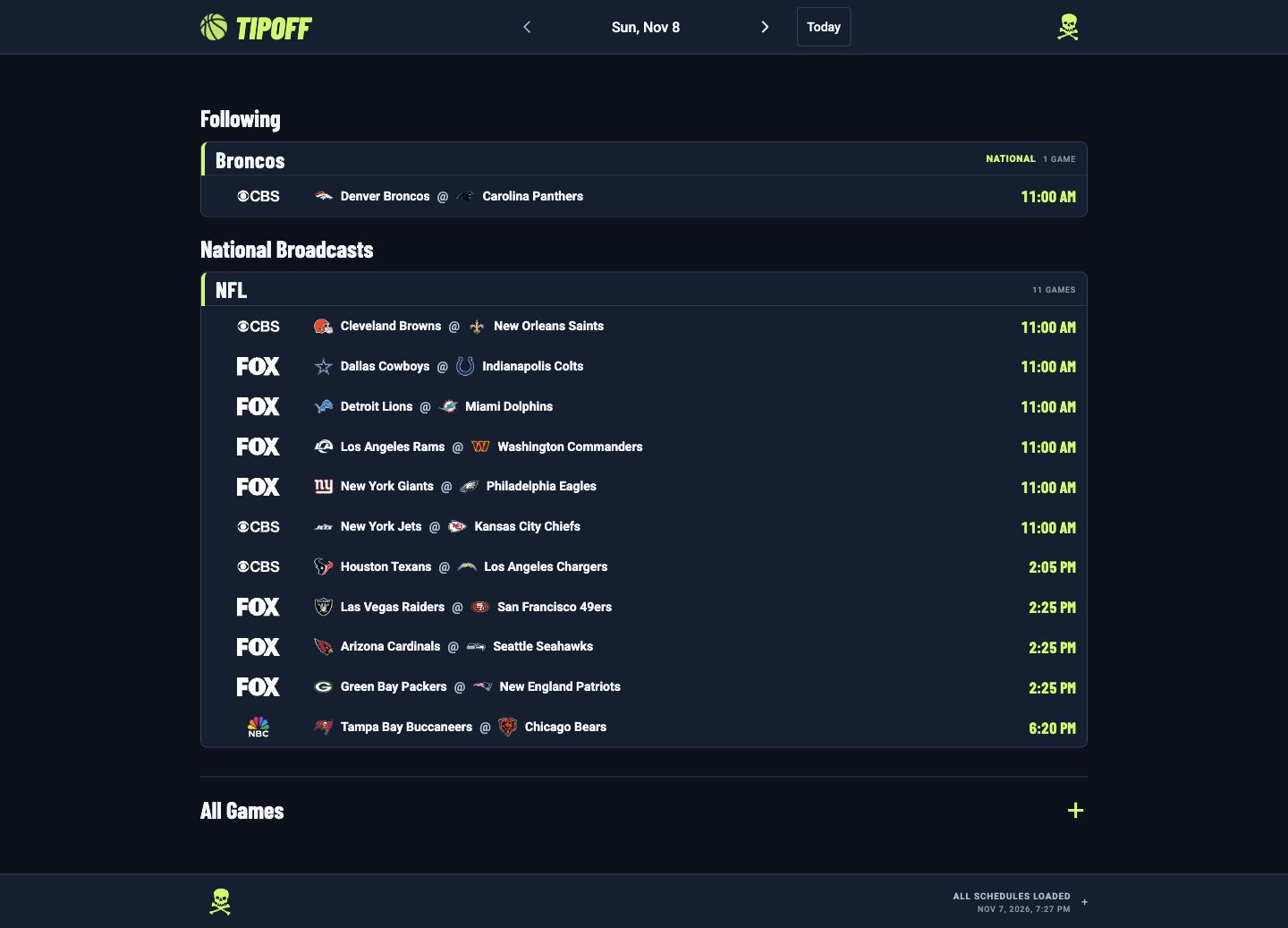
The browser opens with Following and National Broadcasts. Following is the fixed Nuggets, Broncos, Avalanche, and Rockies set; All Games expands the full schedule with sport filters. A followed game with national coverage appears once in the highlights.
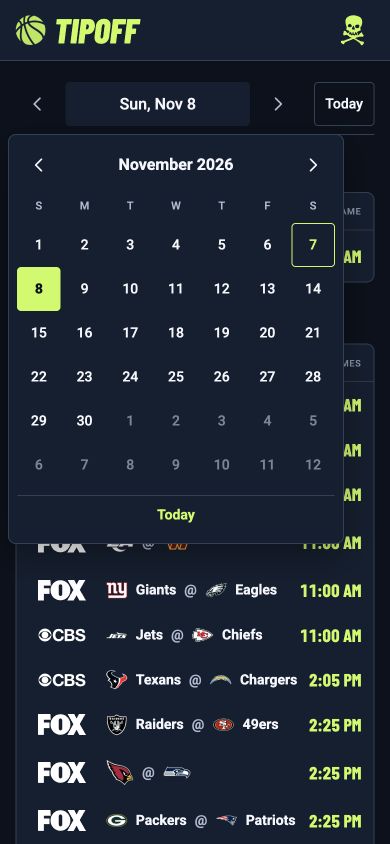
Opening a matchup shows its broadcast details. Previous/next day controls and a calendar let me plan ahead, while the footer identifies each source and when it was updated.
The phone layout keeps those controls available without an app installation. The calendar shown here is the same date picker used to move through the daily schedule.
Listings and installation
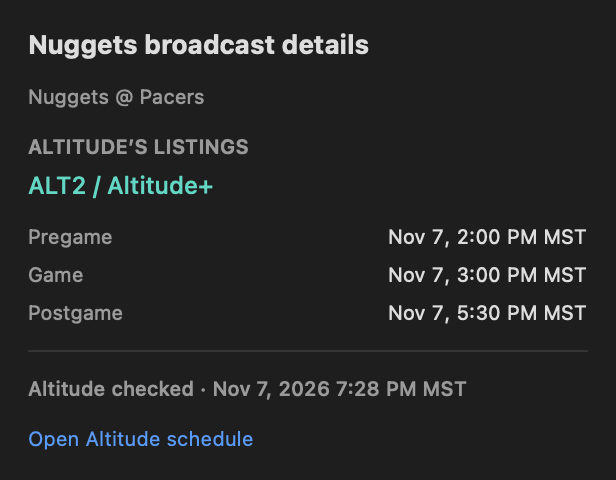
The Nuggets supplement retains Altitude’s channel names, pregame and postgame times, and regional notes. It is matched by date, opponent, home/away, and tipoff; it does not add an Avalanche supplement or determine which subscription a viewer can receive.
NBA, NHL, and MLB schedules come from their leagues with ESPN fallback; NFL and WNBA use ESPN. Saved data keeps its original timestamp when a source fails. The guide contains schedules and broadcaster listings, with no scores or live-game updates.
Tipoff is MIT-licensed. The current source supports all five sports; the published v0.2.0 download is an older macOS-only, NBA-only build. Source and installation instructions are linked at the top.